Database Backup & Restore
This feature is included in the Ultimate and Advanced Editions
|
Time-saving rating....
|

|
|
With single-user installations, it is important to know that your RCM data is fully backed up in case of an emergency that results in loss of (or damage to) the RCM database or the facilitator's computer.
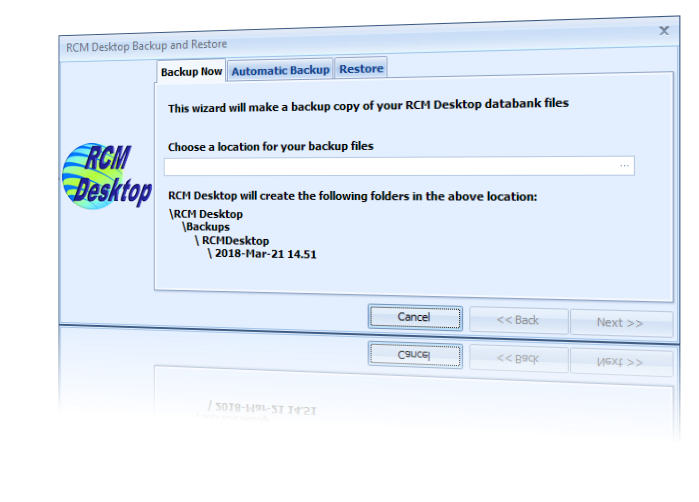
For this reason, RCM Desktop enables the facilitator to make a backup of the RCM database to any device at any time without having to shut down the program or disconnect from the database. The facilitator simply chooses a location for the backup set (a USB memory stick for example) and RCM Desktop takes care of creating sensibly-named folders in that location which enable any individual backup to be located very easily should it ever be needed. |
|
|
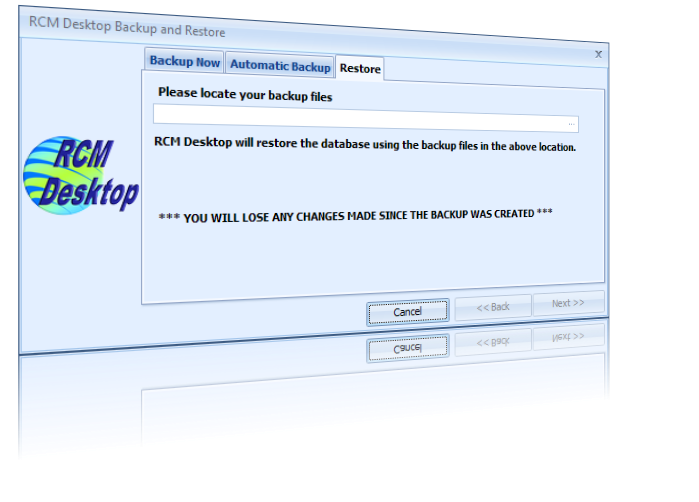
If disaster strikes and a database needs to be restored, the facilitator simply navigates to the desired backup set and clicks on Next >>. RCM Desktop warns the facilitator that restoring a backup will overwrite the existing database and will not continue without confirmation. RCM Desktop disconnects from the RCM database and starts the restoration. Once it is complete, RCM Desktop must be closed and restarted in order for it to reconnect to the restored database. |
|
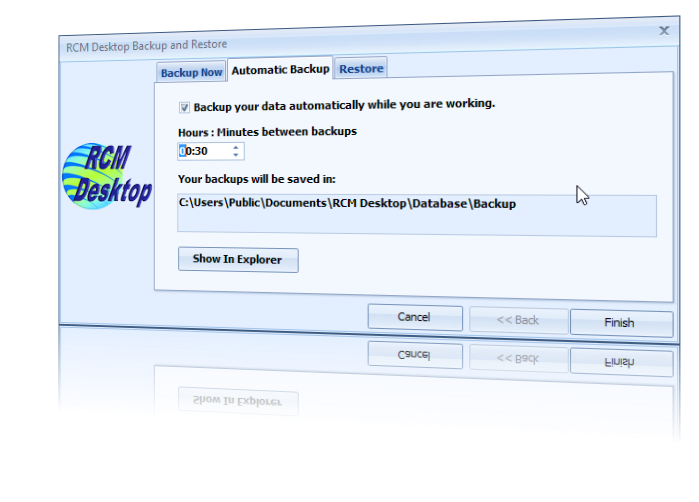
RCM Desktop also enables you to schedule an automatic database backup to occur at regular intervals while it is running - eg once an hour or once a day at a time of your choosing etc |
|